Empowering You with Knowledge, Tools and Insights
Explore everything you need to get the most out of Efflux. From product brochures and user manuals to client downloads, how-to guides, and in-depth case studies — this is your complete hub for learning, implementing, and mastering Efflux solutions. Whether you’re a partner or end-user, our whitepapers and resources are designed to help you work smarter, faster, and with total confidence.
Efflux Cloud Capture Brochure
Discover how Efflux Cloud Capture helps you simplify document workflows and connect seamlessly to the cloud.
Download our product brochure for a quick overview of features, integrations, and benefits.
- Versions
- English save_alt Download
Efflux Mobile Capture Brochure
Discover how Efflux Cloud Capture helps you simplify document workflows and connect seamlessly to the cloud.
Download our product brochure for a quick overview of features, integrations, and benefits.
- Versions
- English save_alt Download
Efflux Engine Brochure
Discover how Efflux Cloud Capture helps you simplify document workflows and connect seamlessly to the cloud.
Download our product brochure for a quick overview of features, integrations, and benefits.
- Versions
- English save_alt Download
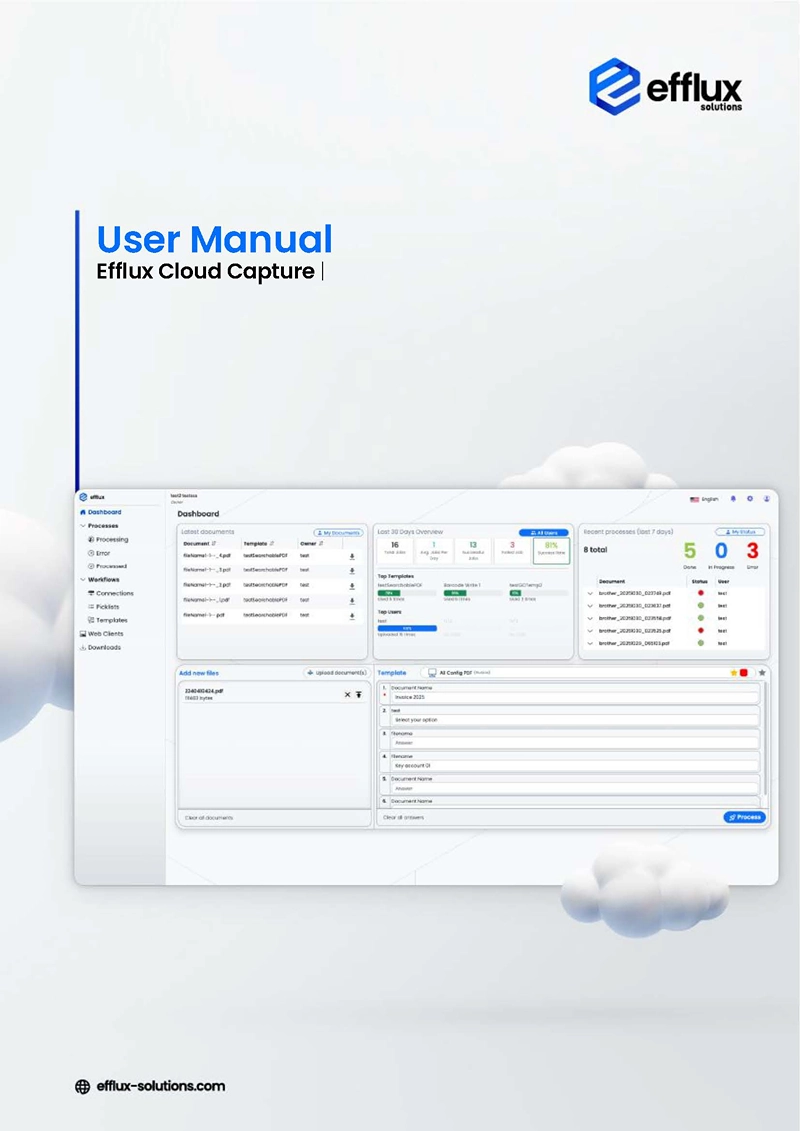
Efflux Cloud Capture User Manual
Learn how to set up, configure, and use Efflux Cloud Capture to automate your document workflows with confidence.
This comprehensive guide walks you through every step—from creating your account and configuring capture sources to building workflows and integrating with cloud platforms. Whether you’re onboarding new users, connecting devices, or optimising your automation templates, this manual gives you everything you need to get the most out of Efflux Cloud Capture.
- Versions
- English save_alt Download
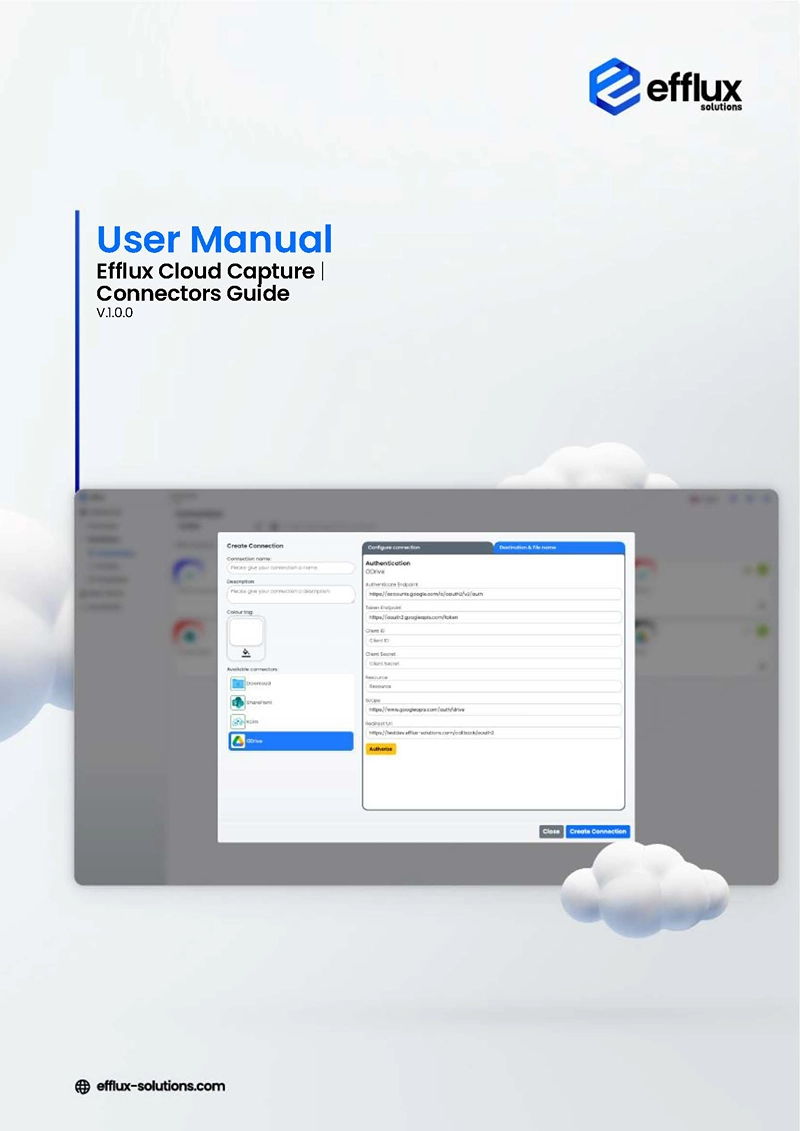
Efflux Cloud Capture Connector Manual
Discover how to extend Efflux Cloud Capture’s power with seamless integrations across your digital ecosystem.
This manual provides clear, step-by-step guidance on setting up, configuring, and managing connectors that link Efflux to your cloud storage, content management, and business systems. From SharePoint and OneDrive to Google Drive and beyond, learn how to connect, authenticate, and optimise your integrations so documents flow easily into the workflows that matter most.
- Versions
- English save_alt Download
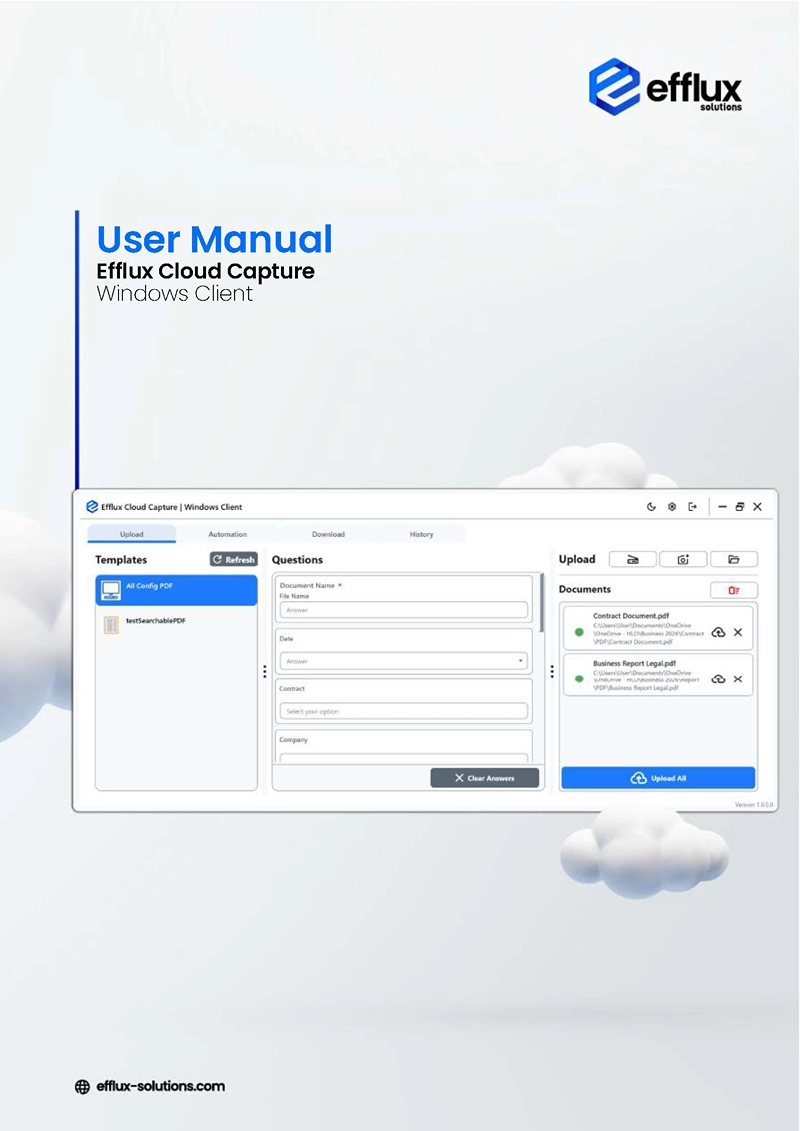
Efflux Cloud Capture Windows Client Manual
Master the native Windows Client for Efflux Cloud Capture with this detailed user guide.
Designed for desktop users, this manual explains how to install, configure, and use the Windows Client to capture, process, and route documents directly from your workstation. Covering hot folder automations to workflow application and client-side settings, this guide helps teams of all sizes leverage powerful document automation without leaving their familiar desktop environment.
- Versions
- English save_alt Download
Efflux Cloud Capture: Intelligent Document Processing
Explore how Efflux Cloud Capture transforms document processing with intelligent OCR, automation, and Azure-powered scalability — driving accuracy, compliance, and efficiency across business workflows while unlocking real-time data insights and measurable ROI.
- Versions
- English save_alt Download










- More to come...
Supported devices
Get the Installer- ADS-2800W
- ADS-3600W
- DCP-L5500DN
- DCP-L5510DW
- DCP-L6600DW
- DCP-L8410CDW
- MFC-EX670
- MFC-EX910
- MFC-J5945DW
- MFC-J5955DW
- MFC-J6945DW
- MFC-J6947DW
- MFC-J6955DW
- MFC-J6957DW
- MFC-J6959DW
- MFC-L5700DN
- MFC-L5710DN
- MFC-L5710DW
- MFC-L5715DN
- MFC-L5750DW
- MFC-L6710DW
- MFC-L6800DW
- MFC-L6900DW
- MFC-L6910DN
- MFC-L6915DN
- MFC-L8340CDW
- MFC-L8390CDW
- MFC-L8690CDW
- MFC-L8900CDW
- MFC-L9570CDW
- MFC-L9630CDN
- MFC-L9635CDN
- MFC-L9670CDN
Supported devices
Get the Installer- TASKalfa 3212i
- TASKalfa 4012i
- TASKalfa 5003i
- TASKalfa 5004i
- TASKalfa 6003i
- TASKalfa 6004i
- TASKalfa 7003i
- TASKalfa 7004i
- TASKalfa 8003i
- TASKalfa 308ci
- TASKalfa 352ci
- TASKalfa 358ci
- TASKalfa 408ci
- TASKalfa 508ci
- TASKalfa 2553ci
- TASKalfa 2554ci
- TASKalfa 3253ci
- TASKalfa 3554ci
- TASKalfa 4053ci
- TASKalfa 4054ci
- TASKalfa 5053ci
- TASKalfa 5054ci
- TASKalfa 6053ci
- TASKalfa 6054ci
- TASKalfa 7353ci
- TASKalfa 8353ci
- TASKalfa MA3500ci
- TASKalfa MA4500ci
- TASKalfa MZ3200i
- TASKalfa MZ4000i
- TASKalfa MZ5001i
- TASKalfa MZ6001i
- TASKalfa MZ7001i
- TASKalfa MZ2501ci
- TASKalfa MZ3501ci
- TASKalfa MZ4001ci
- TASKalfa MZ5001ci
- TASKalfa MZ6001ci
- TASKalfa MZ7001ci
- TASKalfa Pro 15000c
- ECOSYS M3145idn
- ECOSYS M3645idn
- ECOSYS M3655idn
- ECOSYS M3660idn
- ECOSYS M4125idn
- ECOSYS M6230cidn
- ECOSYS M6235cidn
- ECOSYS M6630cidn
- ECOSYS M6635cidn
- ECOSYS MA3500cix
- ECOSYS MA4000cix
- ECOSYS MA3500cifx
- ECOSYS MA4000cifx
- ECOSYS MA4000fx
- ECOSYS MA4500ifx
- ECOSYS MA4500ix
- ECOSYS MA5500ifx
- ECOSYS MA6000ifx
- ECOSYS MA4000wifx
Supported devices
Get the Installer- 3262i
- 3263i
- 4062i
- 4063i
- 5057i
- 5058i
- 5059i
- 6057i
- 6058i
- 6059i
- 7057i
- 7058i
- 7059i
- 8057i
- 302ci
- 352ci
- 357ci
- 358ci
- 402ci
- 458ci
- 502ci
- 2507ci
- 2508ci
- 2509ci
- 3207ci
- 3508ci
- 3509ci
- 4007ci
- 4008ci
- 4009ci
- 5007ci
- 5008ci
- 5009ci
- 6007ci
- 6008ci
- 6009ci
- 7009ci
- 7307ci
- 8307ci
- P-2540i MFP
- P-4531i MFP
- P-4532i MFP
- P-4536i MFP
- P-4539i MFP
- P-5536i MFP
- P-5539i MFP
- P-6036i MFP
- P-6039i MFP
- P-4026iw MFP
- P-4027iw MFP
- P-C3062i MFP
- P-C3066i MFP
- P-C3562i MFP
- P-C3563i MFP
- P-C3566i MFP
- P-C3567i MFP
- P-C4063i MFP
- P-C4067i MFP
- PRO 15050c
Supported devices
Get the Installer- 3262i
- 3263i
- 4062i
- 4063i
- 5057i
- 5058i
- 5059i
- 6057i
- 6058i
- 6059i
- 7057i
- 7058i
- 7059i
- 8057i
- 302ci
- 352ci
- 357ci
- 358ci
- 402ci
- 458ci
- 502ci
- 2507ci
- 2508ci
- 2509ci
- 3207ci
- 3508ci
- 3509ci
- 4007ci
- 4008ci
- 4009ci
- 5007ci
- 5008ci
- 5009ci
- 6007ci
- 6008ci
- 6009ci
- 7009ci
- 7307ci
- 8307ci
- P-2540i MFP
- P-4531i MFP
- P-4532i MFP
- P-4536i MFP
- P-4539i MFP
- P-5536i MFP
- P-5539i MFP
- P-6036i MFP
- P-6039i MFP
- P-4026iw MFP
- P-4027iw MFP
- P-C2480i MFP
- P-C3062i MFP
- P-C3066i MFP
- P-C3562i MFP
- P-C3563i MFP
- P-C3566i MFP
- P-C3567i MFP
- P-C4063i MFP
- P-C4067i MFP
Supported devices
Get the Installer- SMART OPERATION PANEL G1
- SMART OPERATION PANEL G2
- SMART OPERATION PANEL G2.5
- SMART OPERATION PANEL G3
- MP C401SP
- MP C401SRSP
- MP C2003Z SP
- MP C2503Z SP
- MP C3003 SP
- MP C3003Z SP
- MP C3503SP
- MP C3503Z SP
- MP C4503AZ SP
- MP C4503Z SP
- MP 2553Z SP
- MP 3053Z SP
- MP 3353Z SP
- MP 2554ZSP
- MP C2003SP
- MP C2503SP
- MP 2553SP
- MP 3053
- MP 3053SP
- MP 3353
- MP 3353SP
- MP 3054ZSP
- MP 3554ZSP
- MP C5503Z SP
- MP C5503AZ SP
- MP C6003Z SP
- MP C4503SP
- MP C4503A SP
- MP C5503SP
- MP C5503A SP
- MP C6003SP
- MP 2554SP
- MP 3054
- MP 3054SP
- MP 3554
- MP 3554SP
- MP 4054
- MP 4054AZSP
- MP 4054SP
- MP 5054
- MP 5054AZSP
- MP 5054SP
- MP 6054
- MP 6054SP
- MP 6054ZSP
- MP 305+ SPF
- MP C306Z SP
- MP C306Z SPF
- MP C406Z SP
- MP C406Z SPF
- MP C307SP
- MP C307SPF
- MP C407SP
- MP C407SPF
- IM 350
- IM 350F
- IM 350F
- IM 430F
- MP 402SPF
- MP 501SPF
- MP 501SPFG
- MP 601SPF
- MP 601SPFG
- MP C501SP
- IM C530FB
- IM C530F
- MP C2004SP
- MP C2004ASP
- MP C2004SPG
- MP C2004exSP
- MP C2004exASP
- MP C2094SPJ
- MP C2094exSPJ
- MP CW2201 SP
- MP C2504SP
- MP C2504ASP
- MP C2504SPG
- MP C2504exSP
- MP C2504exASP
- MP C2594SPJ
- MP C2594exSPJ
- MP 2555SP
- MP 2555SPG
- MP 2555ASP
- MP 2595SPJ
- MP 3055SP
- MP 3055SPG
- MP 3055ASP
- MP 3095SPJ
- MP C3504SP
- MP C3504ASP
- MP C3504SPG
- MP C3504exSP
- MP C3504exASP
- SP C361SFNW
- SP C840DN
- SP C842DN
- MP C3004SP
- MP C3004ASP
- MP C3004SPG
- MP C3004exSP
- MP C3004exASP
- MP 3555SP
- MP 3555SPG
- MP 3555ASP
- MP 3595SPJ
- MP C4504SP
- MP C4504ASP
- MP C4504SPG
- MP C4504exSP
- MP C4504exASP
- Pro C5200S
- Pro C5210S
- MP C5504SP
- MP C5504ASP
- MP C5504exSP
- MP C5504exASP
- MP C6004SP
- MP C6004SPG
- MP C6004exSP
- MP 4055SP
- MP 4055SPG
- MP 4055ASP
- MP 5055SP
- MP 5055SPG
- MP 5055ASP
- MP 6055SP
- MP 6055SPG
- MP C8003 SP
- MP 6503SP
- MP 7503SP
- MP 9003SP
- Pro8310
- Pro8320
- SP 8400DN
- IM C300
- IM C400
- IM C400SR
- IM C4500
- IM C4500A
- IM C4500G
- IM C5500
- IM C5500A
- IM C6000
- IM C6000G
- IM C2000
- IM C2000A
- IM C2000G
- IM C2500
- IM C2500A
- IM C2500G
- IM C3000
- IM C3000A
- IM C3000G
- IM C3500
- IM C3500A
- IM C3500G
- Pro C5300S
- Pro C5310S
- IM C6500
- IM C8000
- IM 550
- IM 600
- IM 600SR
- IM 2702
- IM 2500
- IM 3000
- IM 3500
- IM 4000
- IM 5000
- IM 6000
- IM 2509J
- IM 3009J
- IM 3509J
- IM 370F
- IM 460F
- IM 460FTL
- IM C320F
- IP C8500
- IM C2010
- IM C2510
- IM C3010
- IM C3510
- IM C4510
- IM C5510
- IM C6010
- IM C7010
- IM C7010G
- IM C401F
- IM C401SRF
- IM C3010SD
- IM C3510SD
- IM C4510SD
- IM C6010SD
- Pro 8400S
- Pro 8410S
- Pro 8420S
- Pro 8410
- Pro 8420
- Efflux Windows Client save_alt Download
- Efflux Client Manager (Brother, Ricoh) save_alt Download
- HyPAS Embedded Client (Kyocera, TA, UTAX) save_alt Download
- Mass Deployment Tool (Brother) save_alt Download